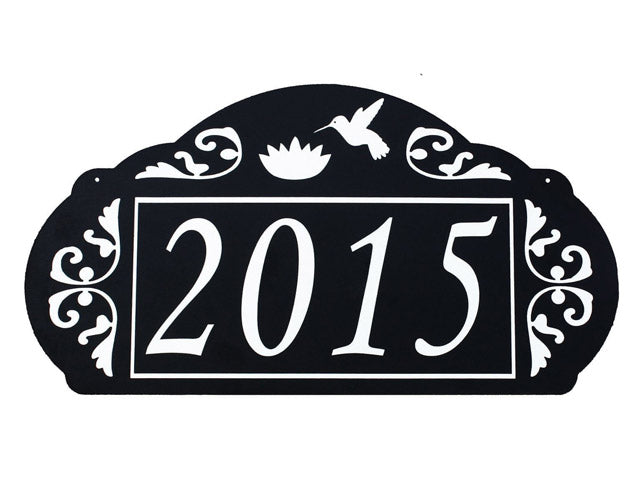
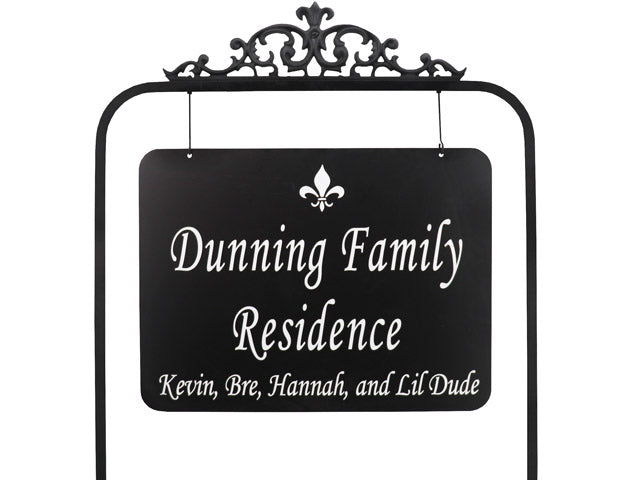
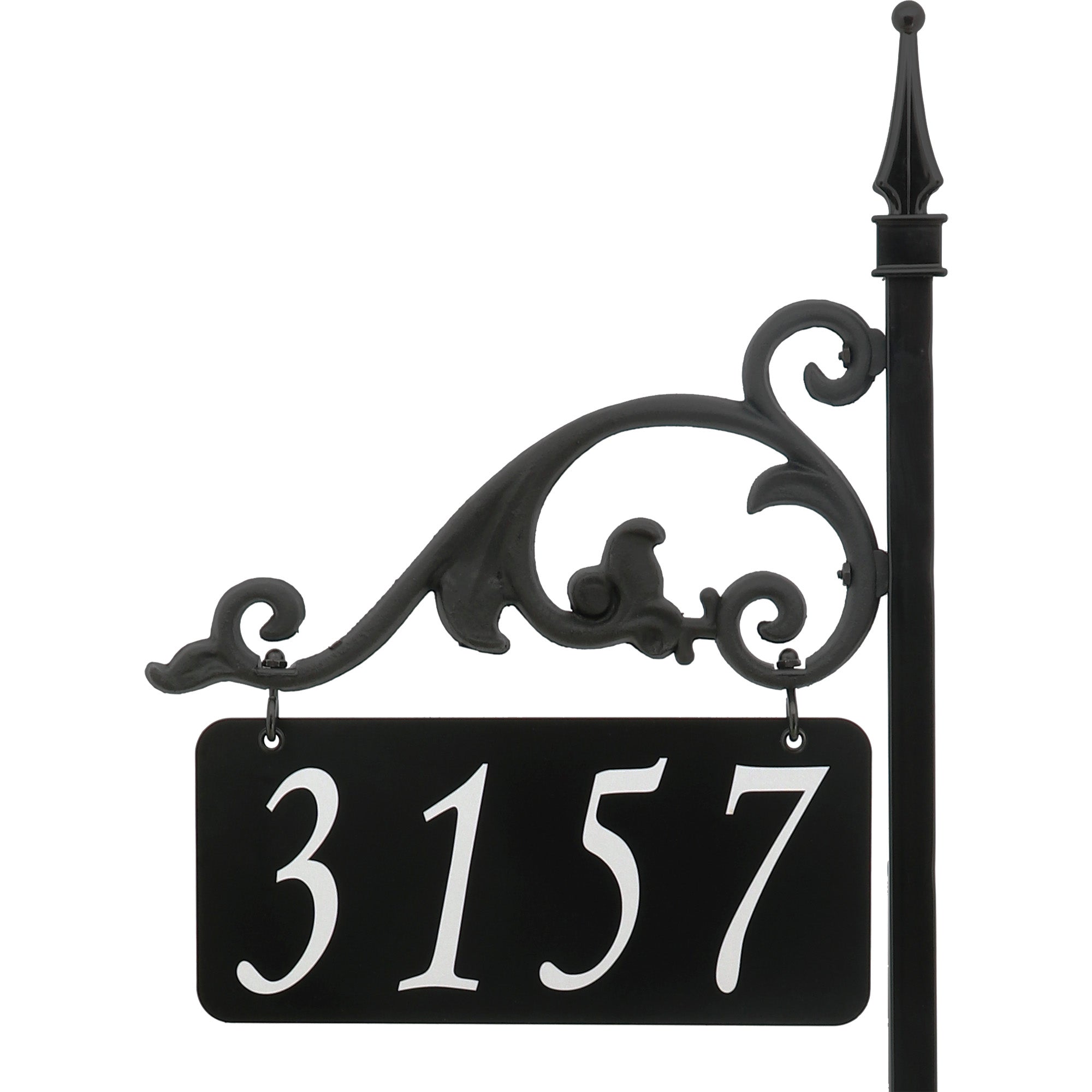
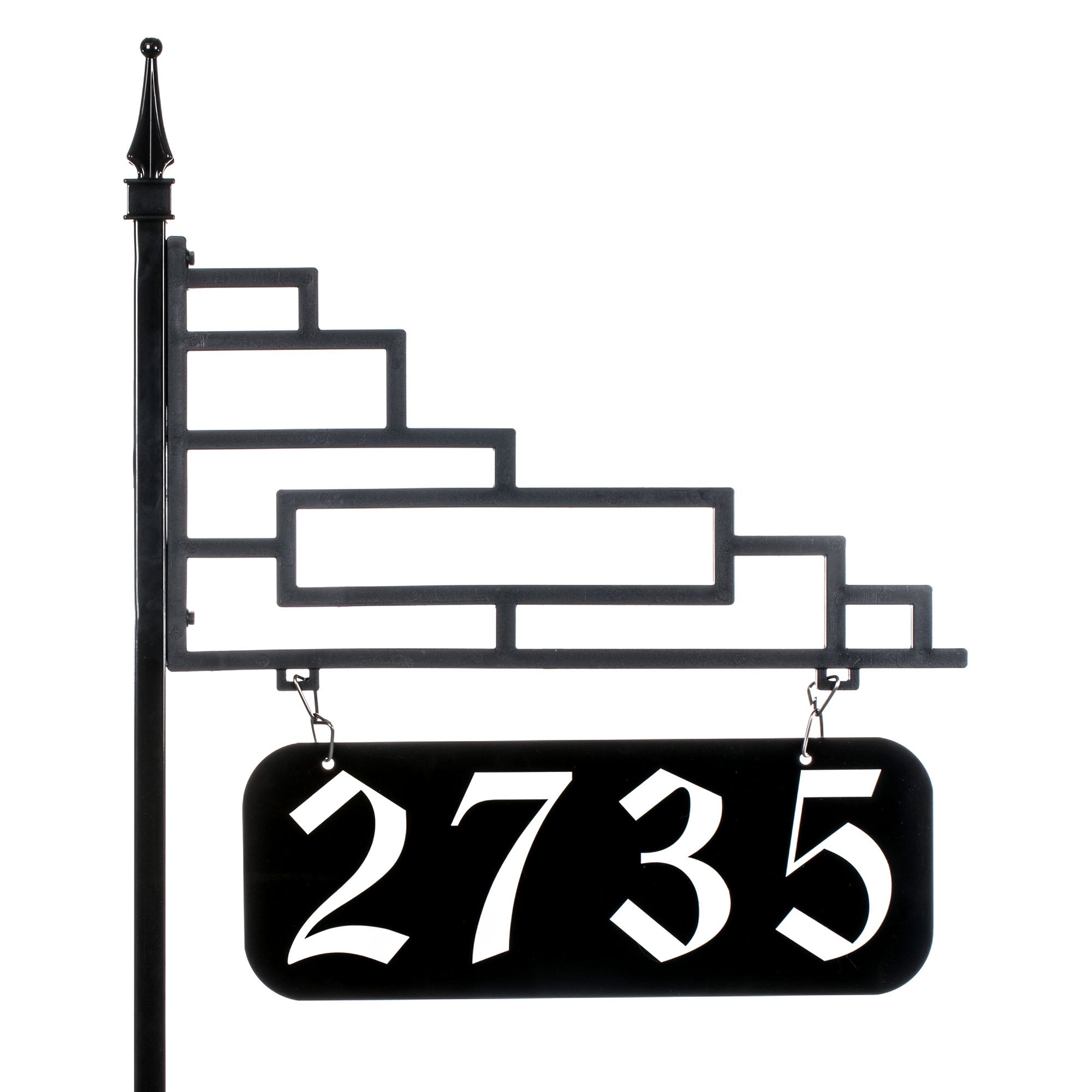
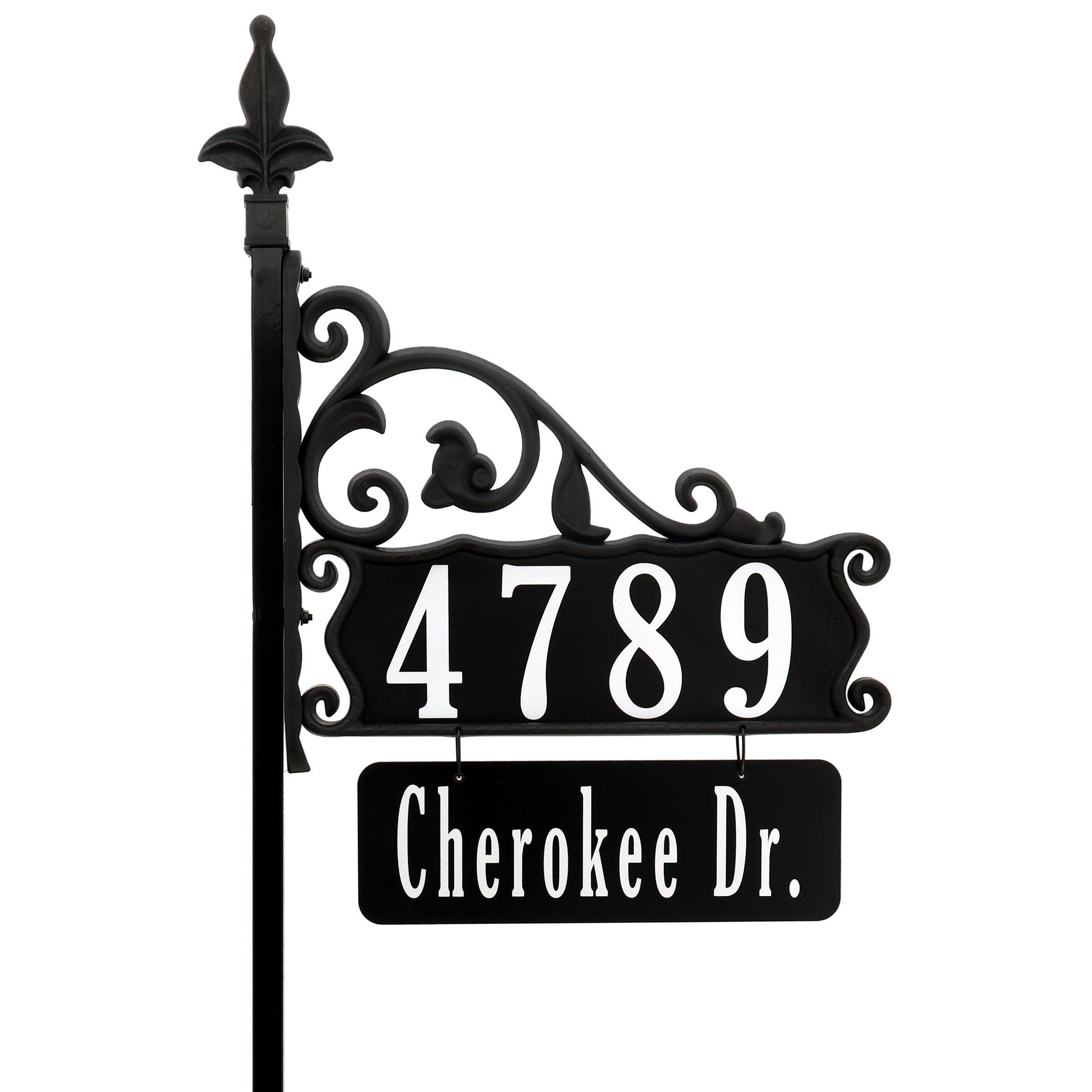
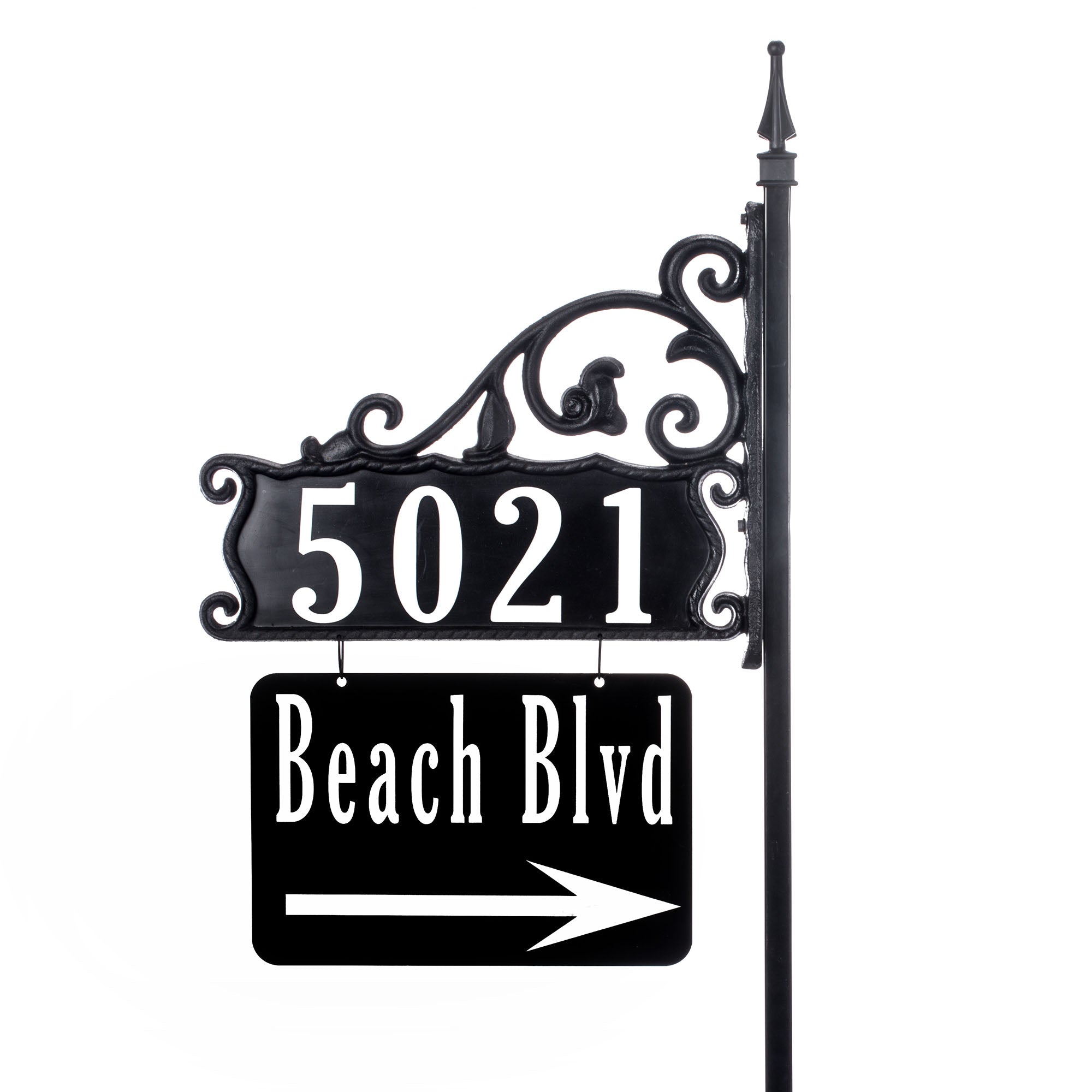
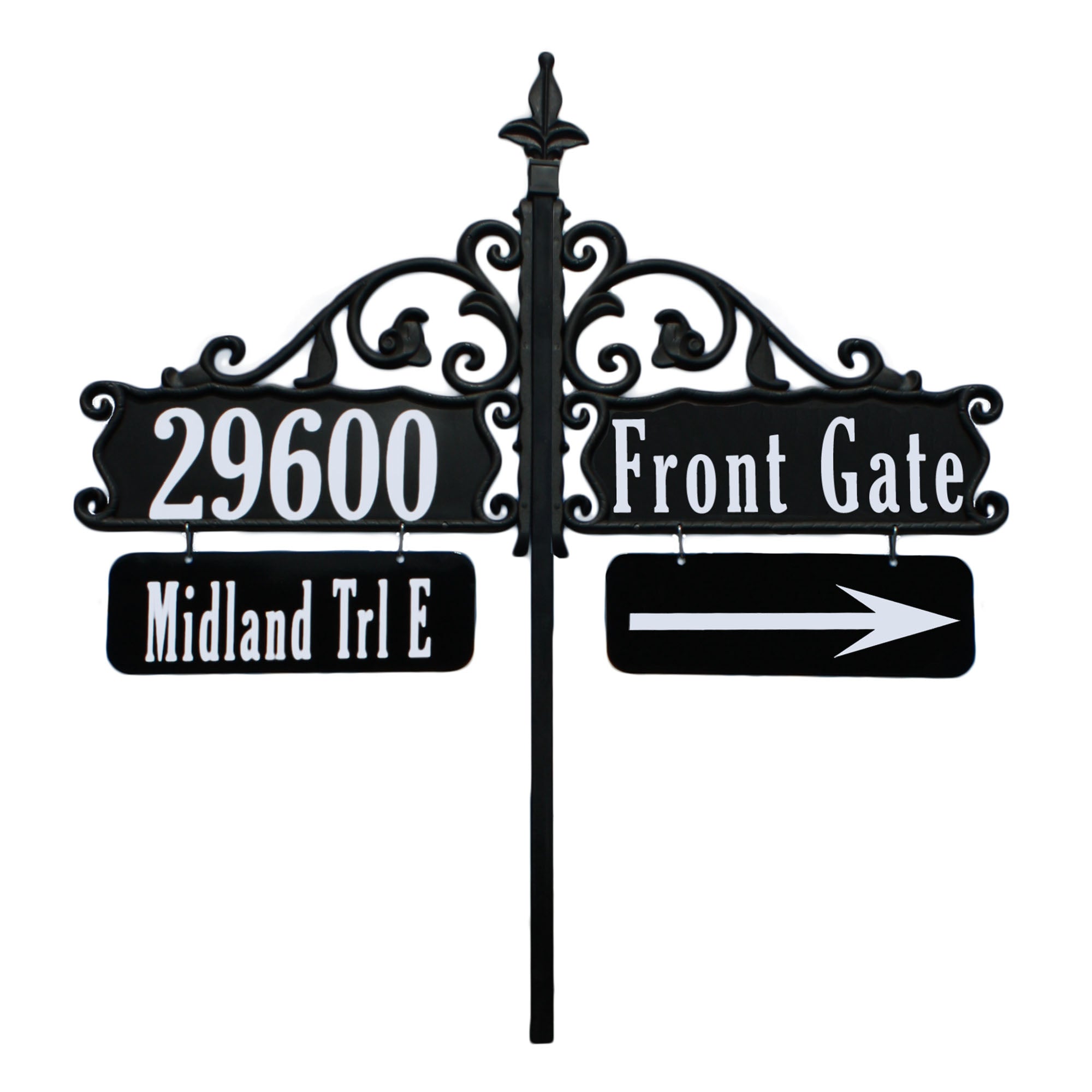
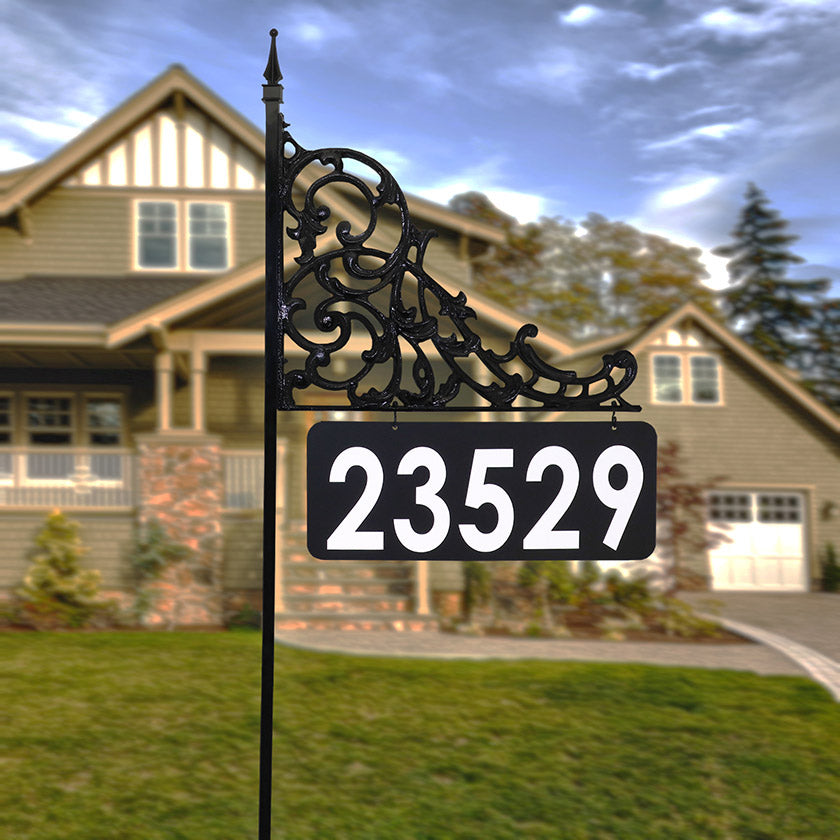
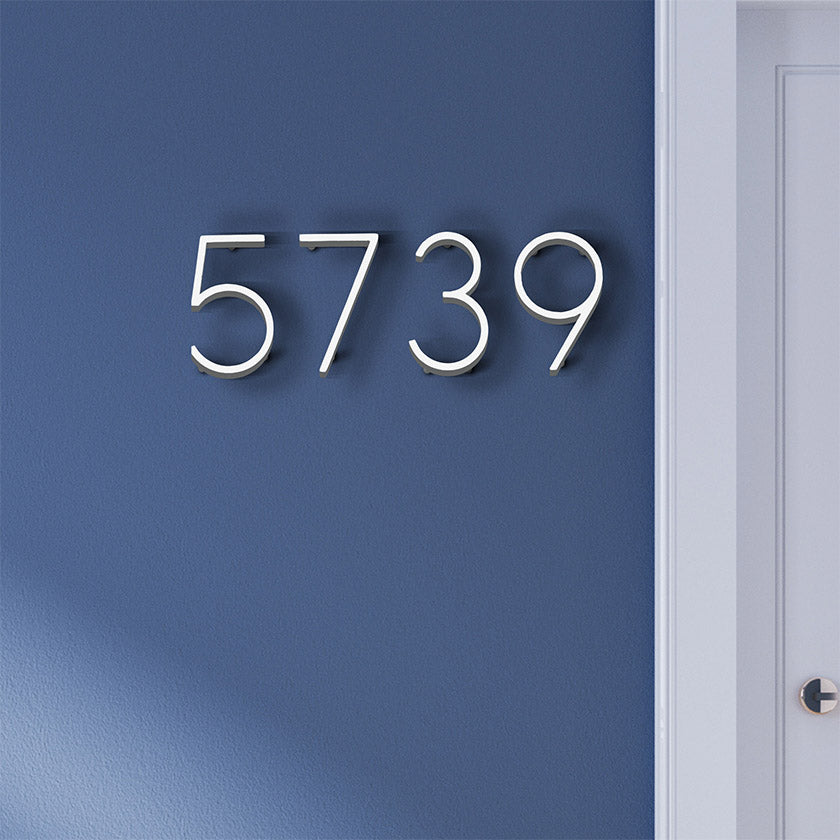
Address America has been handcrafting reflective address signs in our community for over 30 years.
Today, we are honored to share this tradition with you.
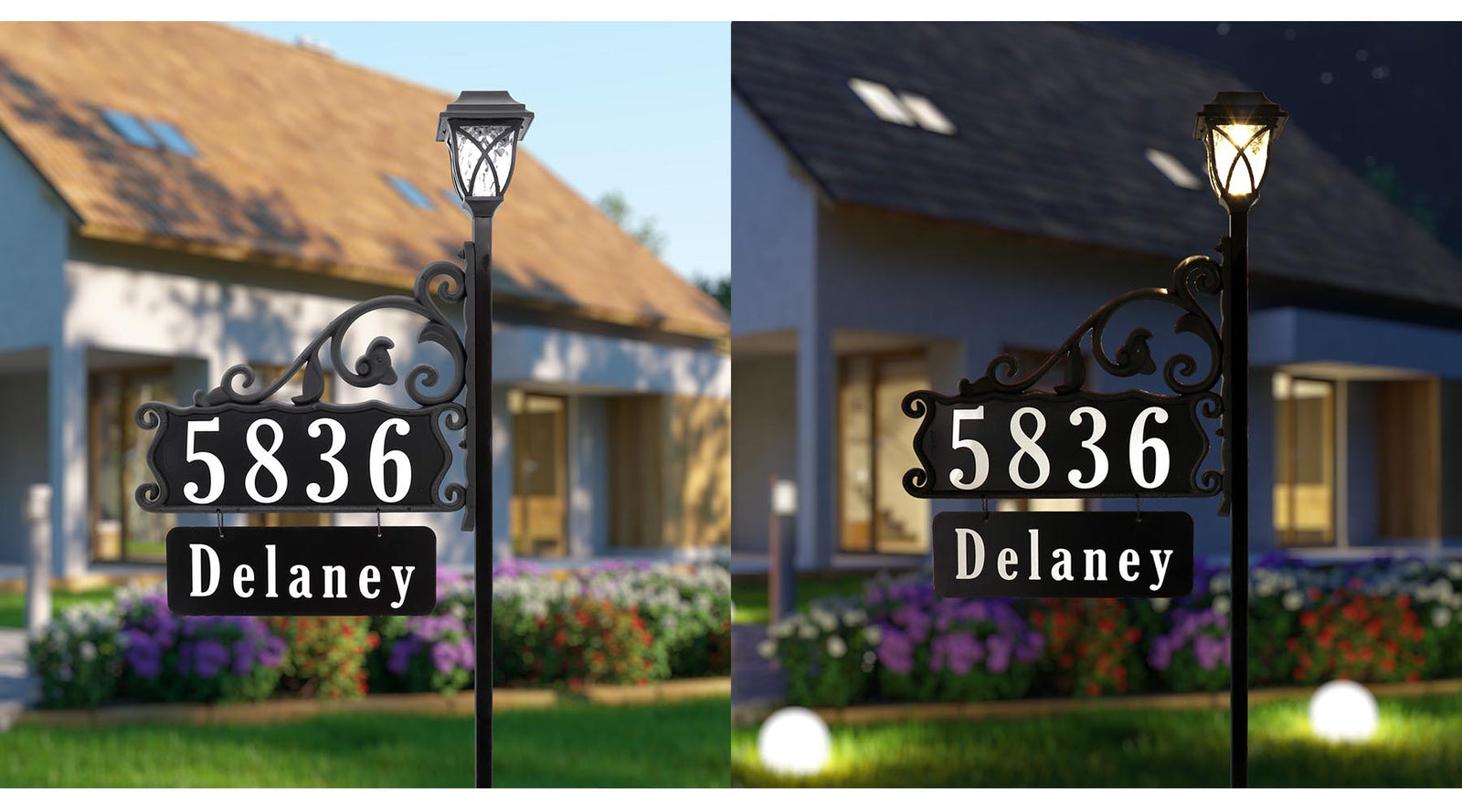
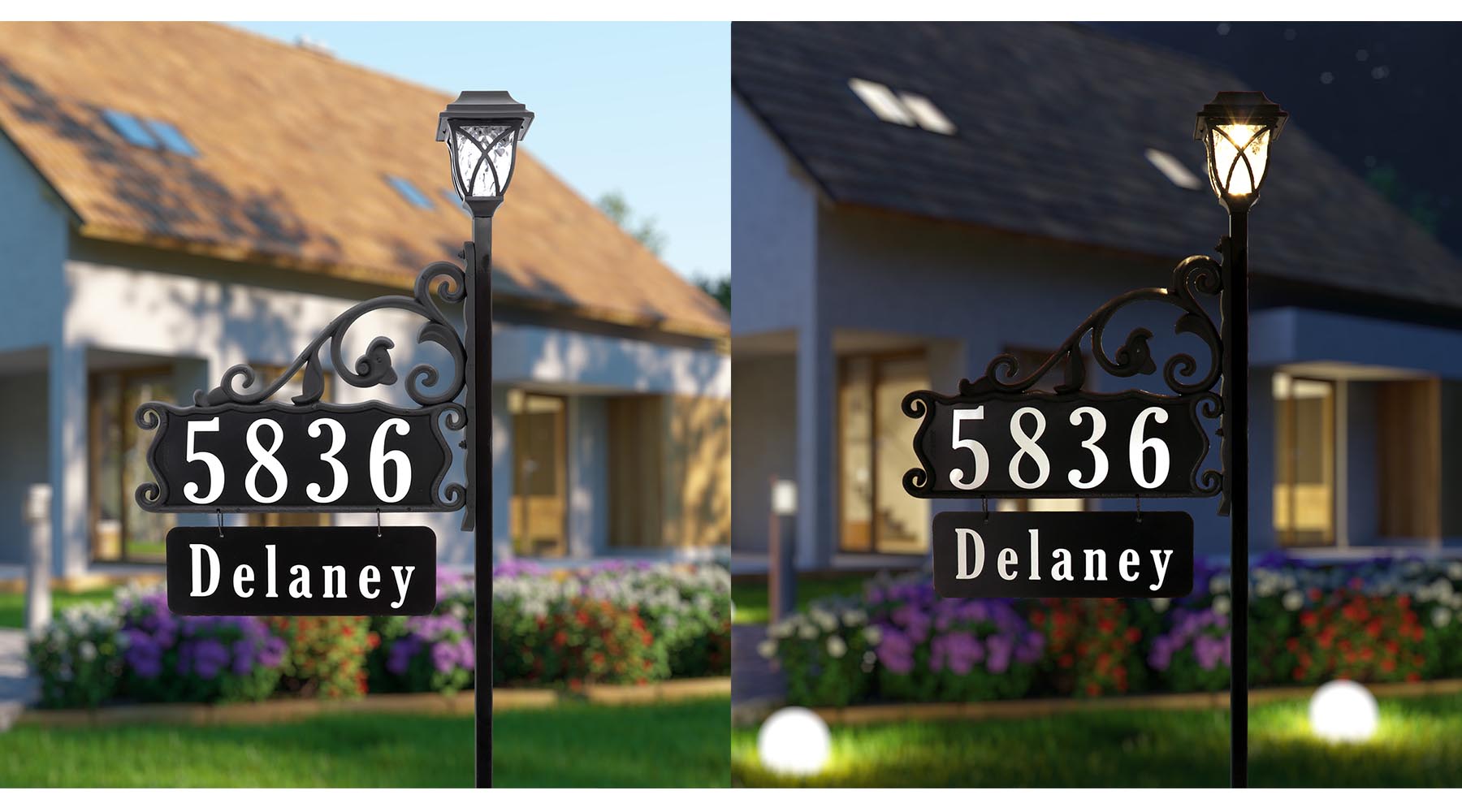
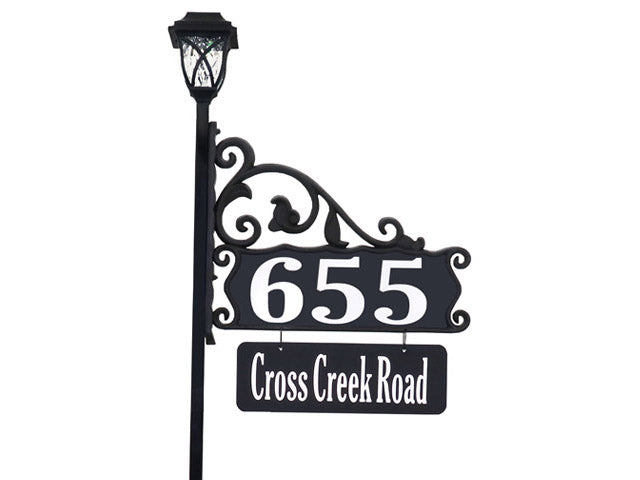
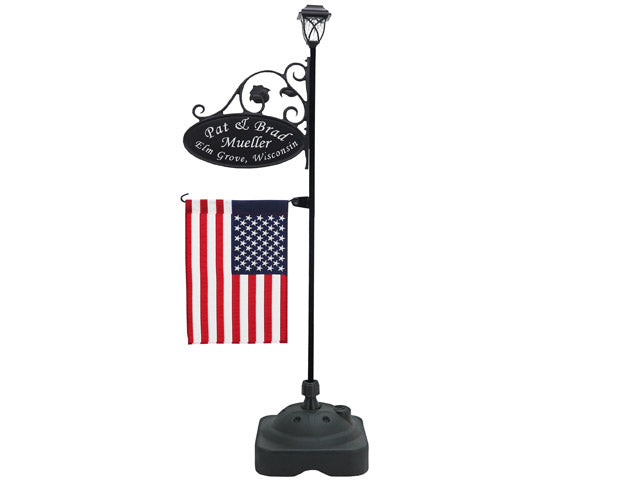
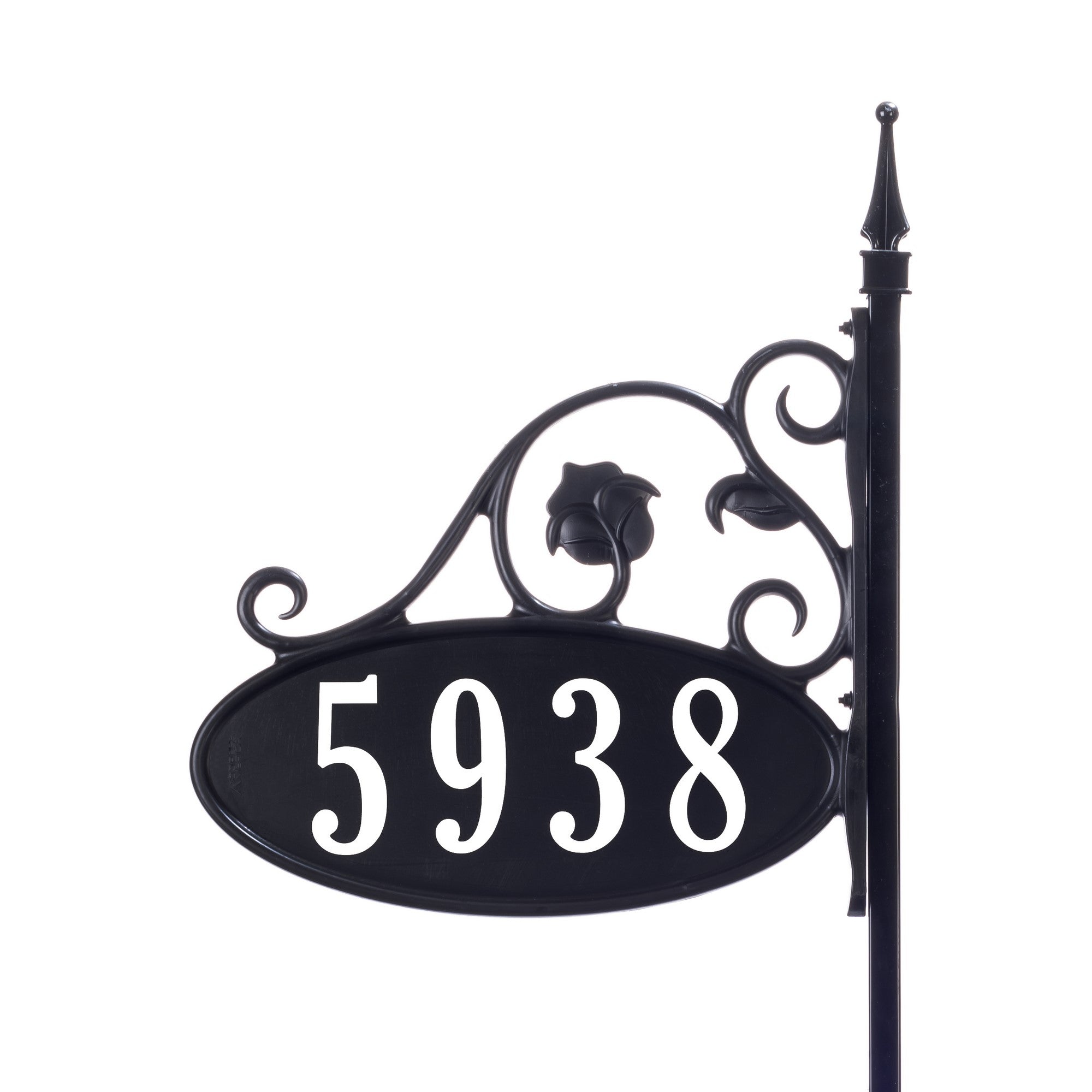
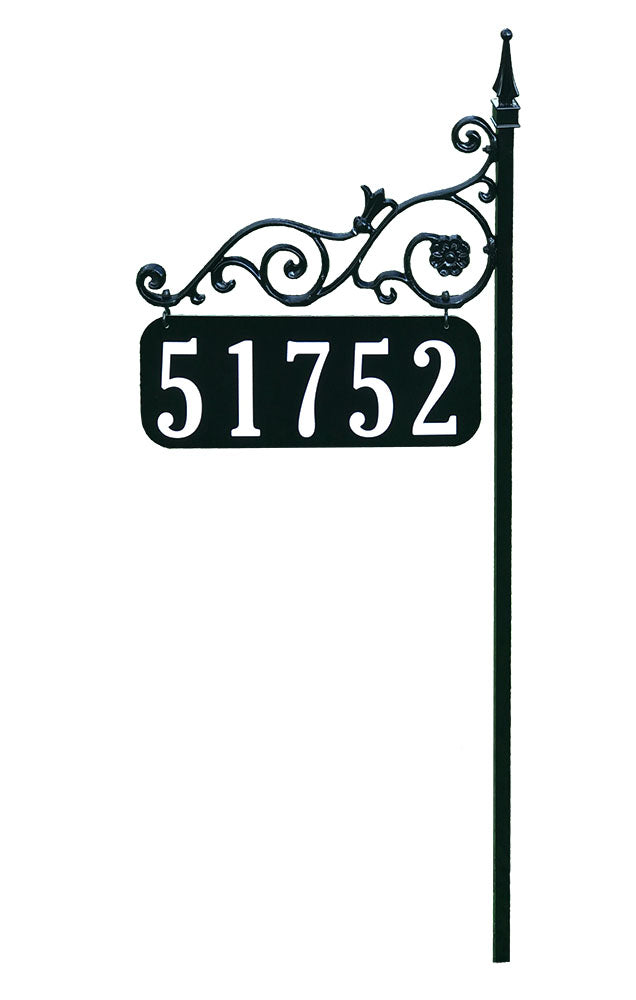
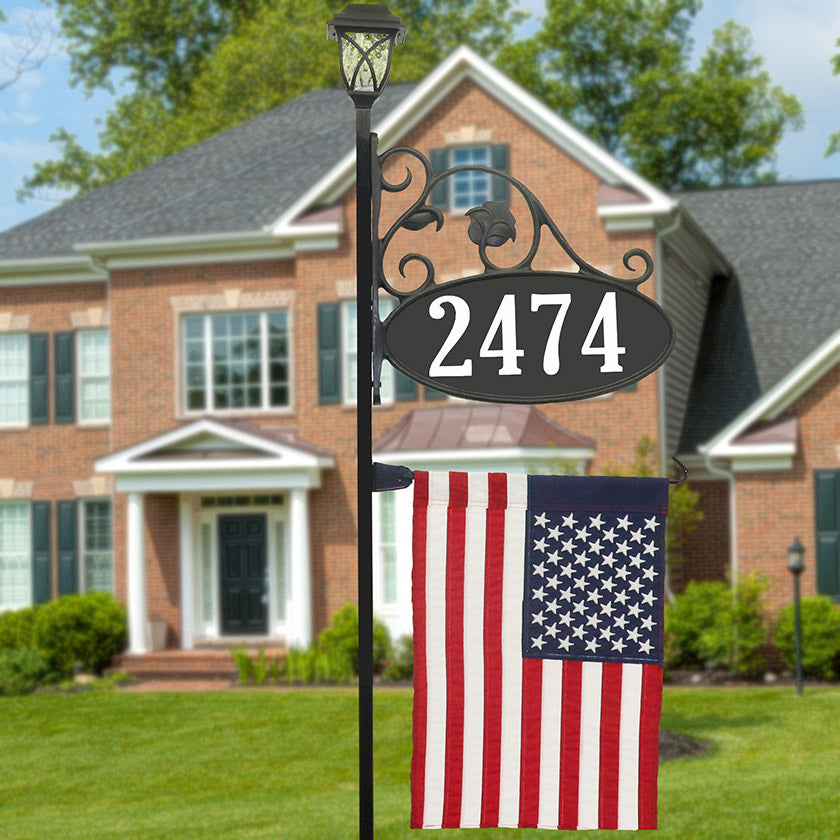
This beatuiful classic gets a touch of modern with the addition of an LED Solar Light. For more than two decades, the Boardwalk has been a staple of Address America.
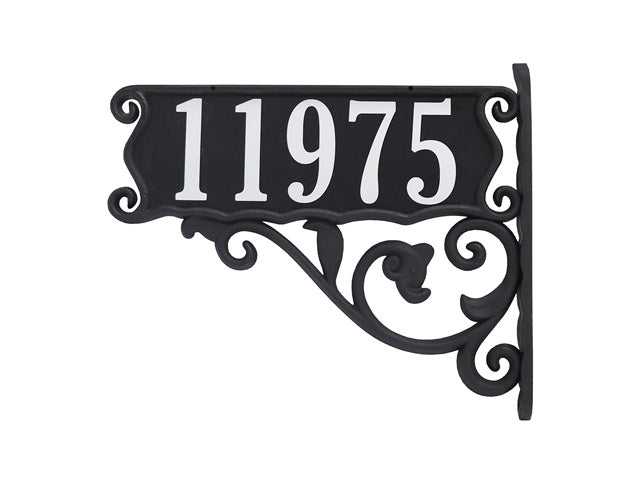
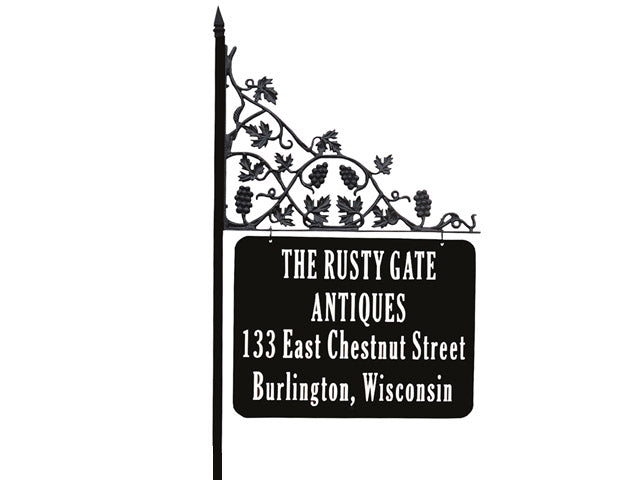
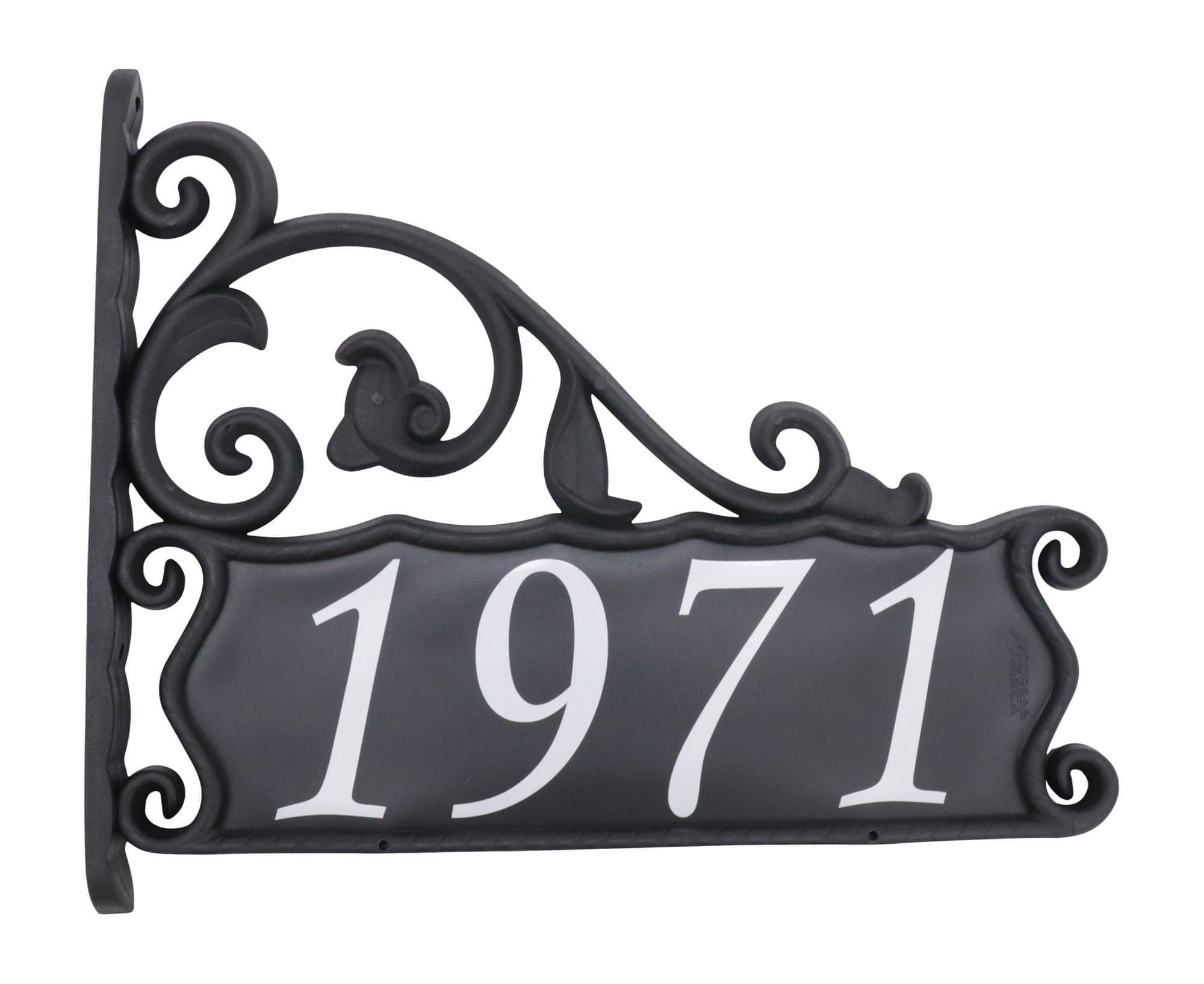
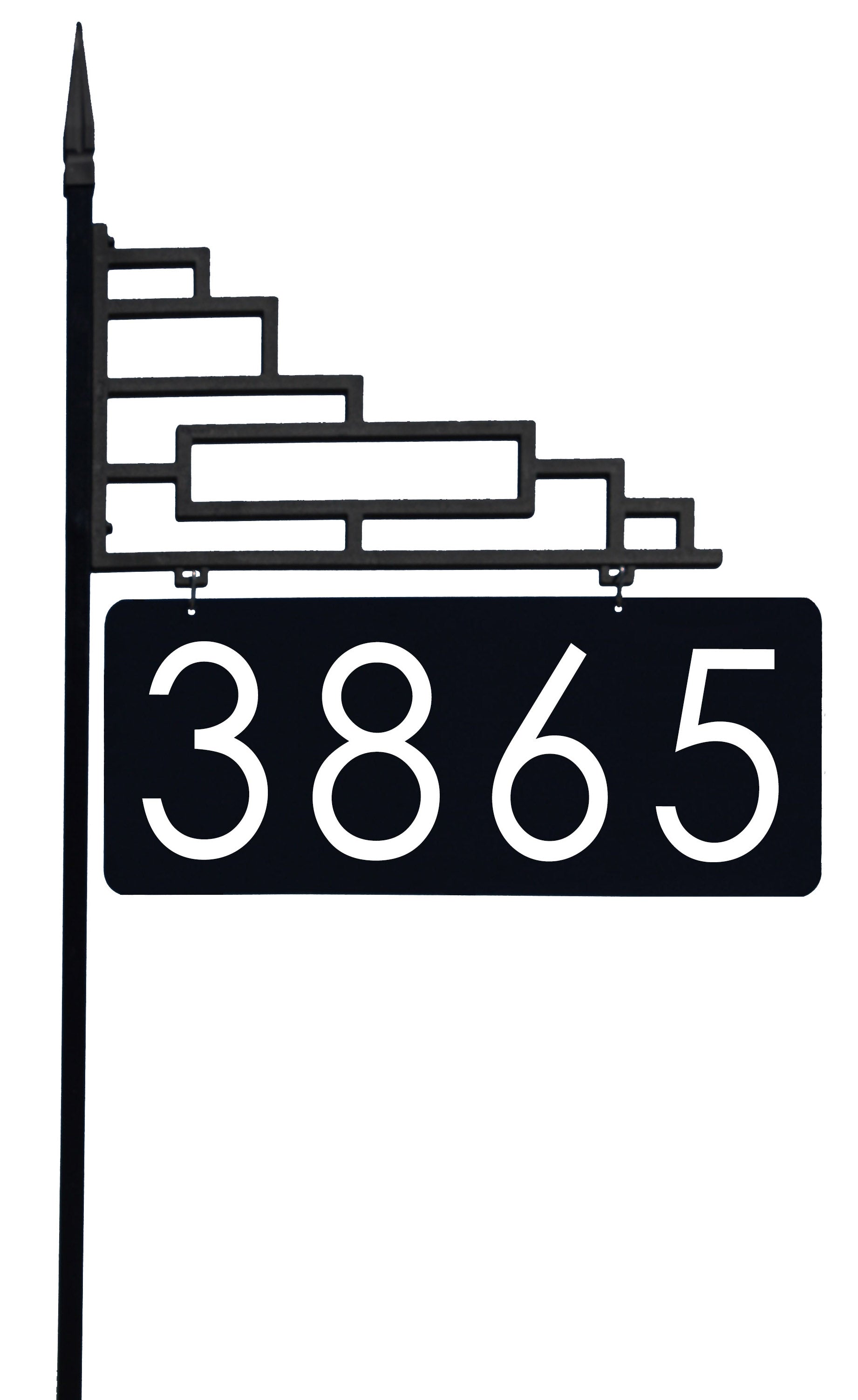
This beautiful address sign encapsulates our design philosophy that beauty and durability should never hinder function. Both the address number and name are reflective and designed to last for years with no maintenance.




For every minute without life-saving CPR and defribrillation, chances of surviving a heart attack decrease 7%-10%.


American Heart Association